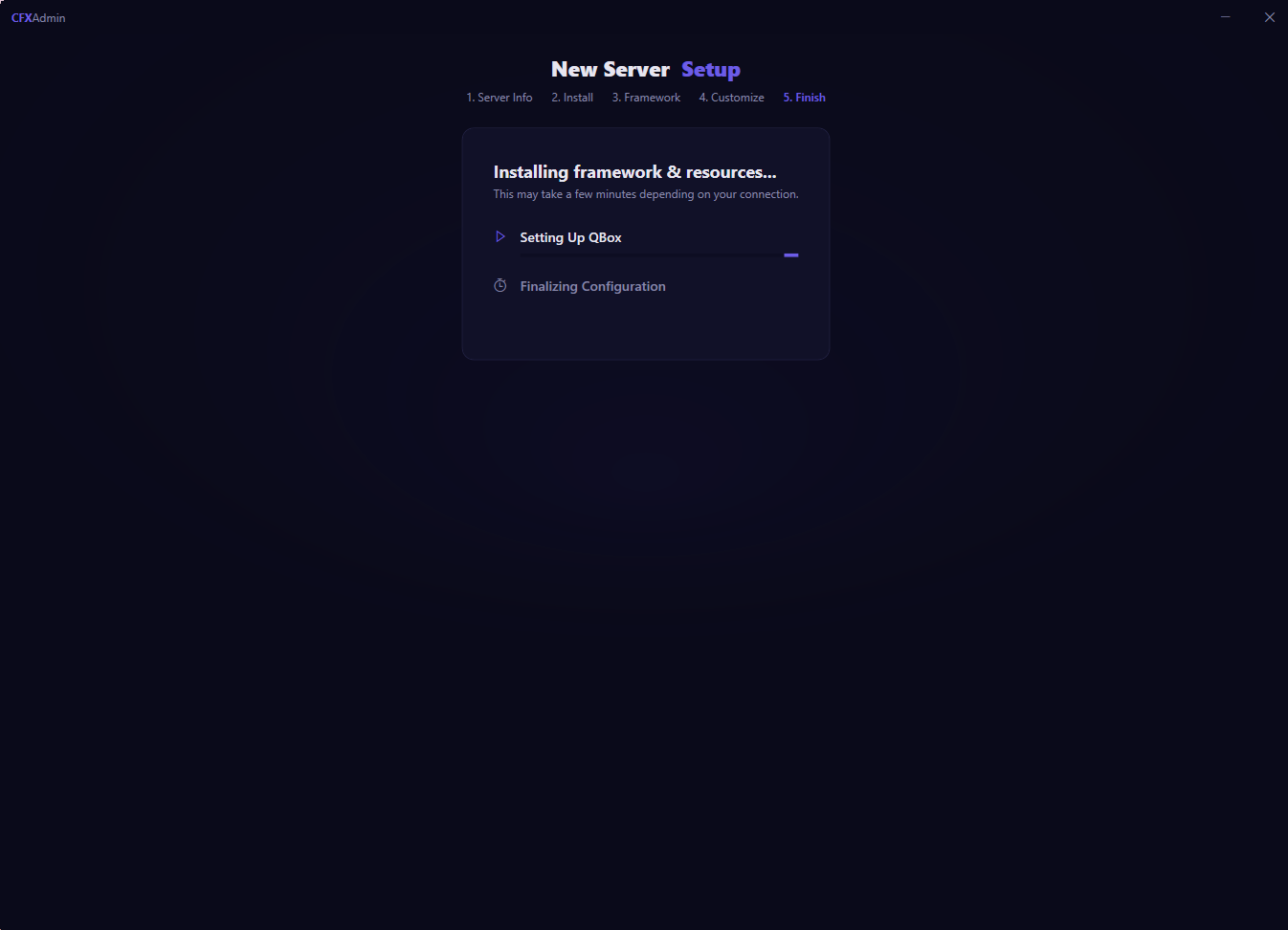
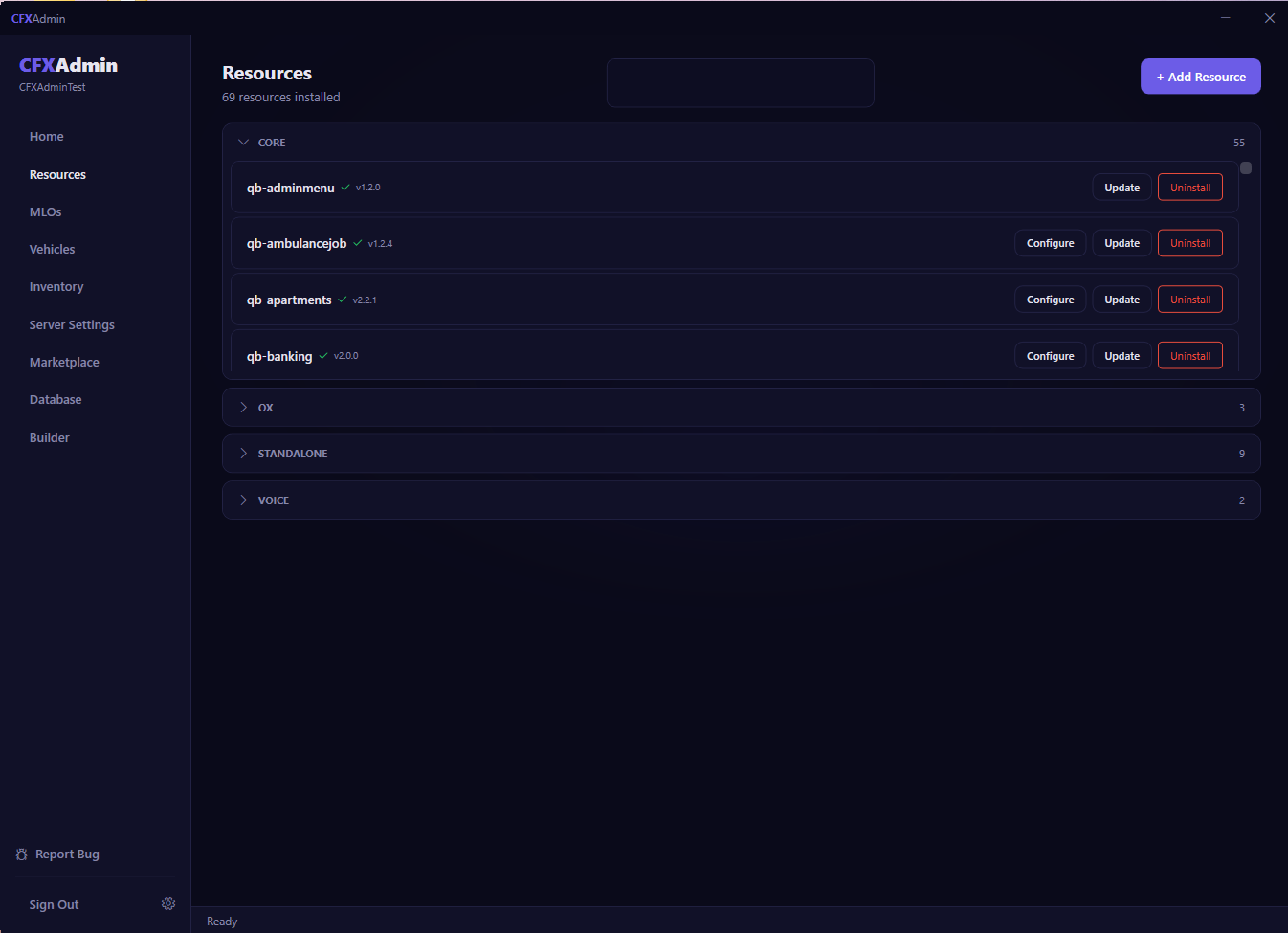
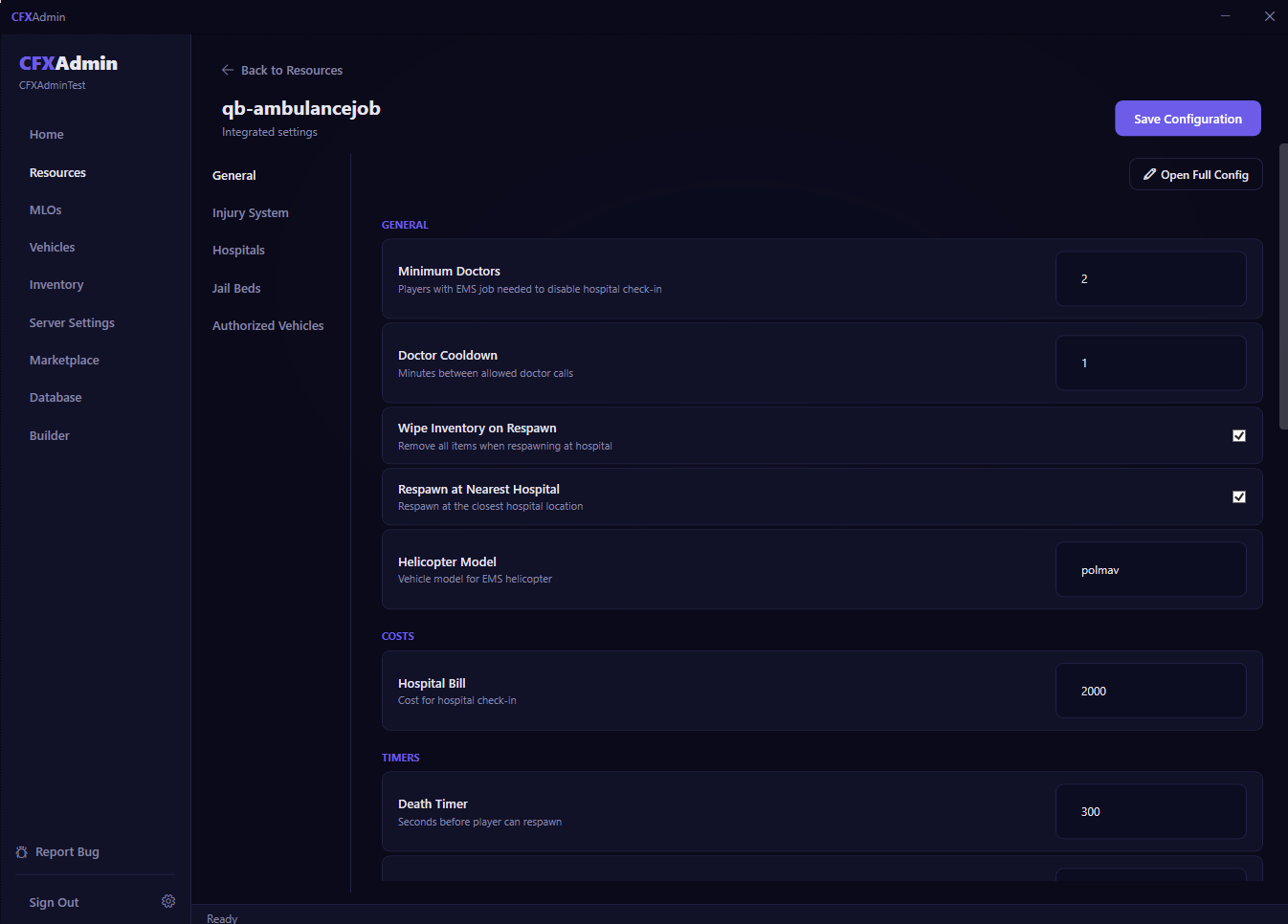
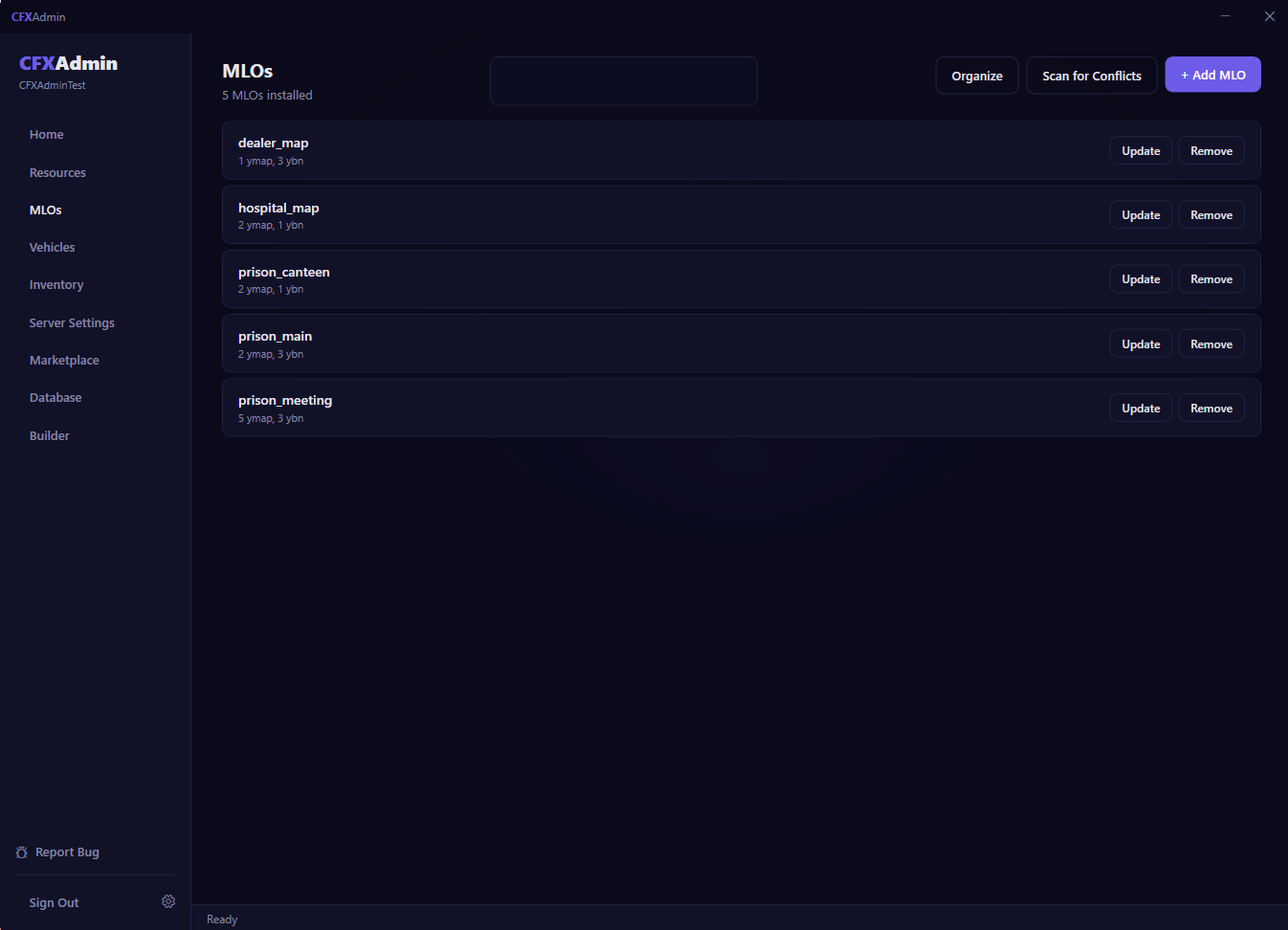
Your server. Your way. No developer needed.

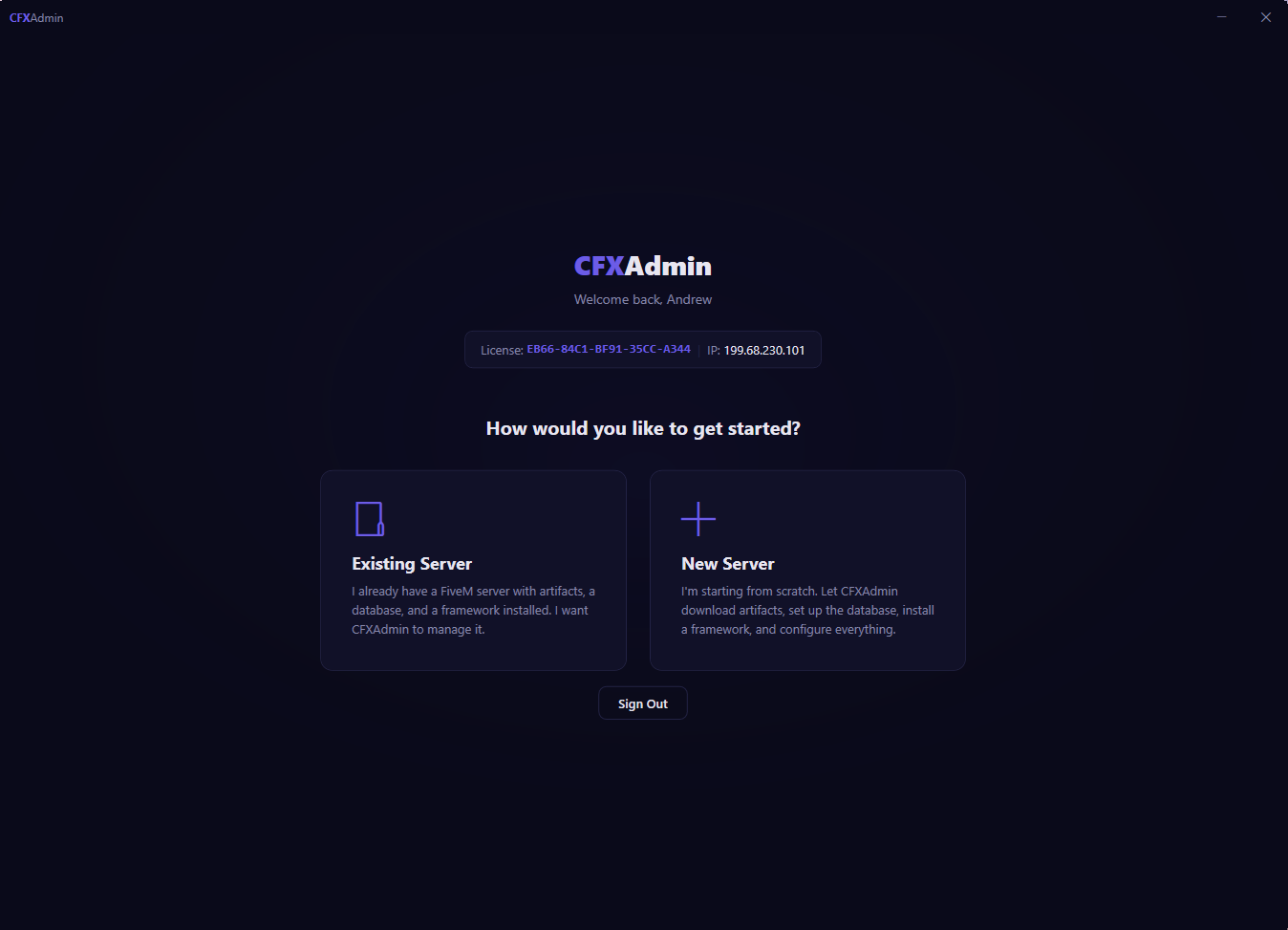
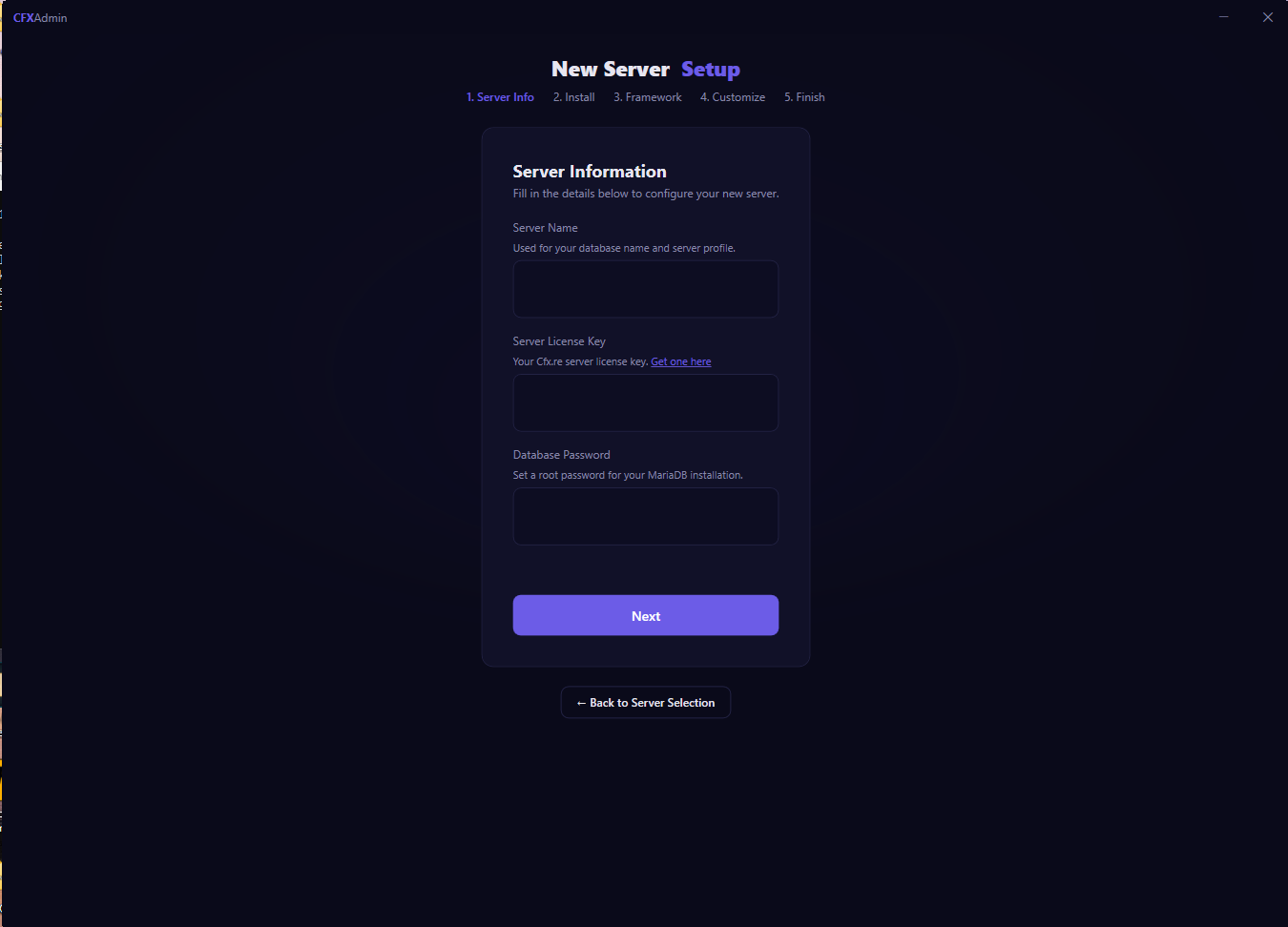
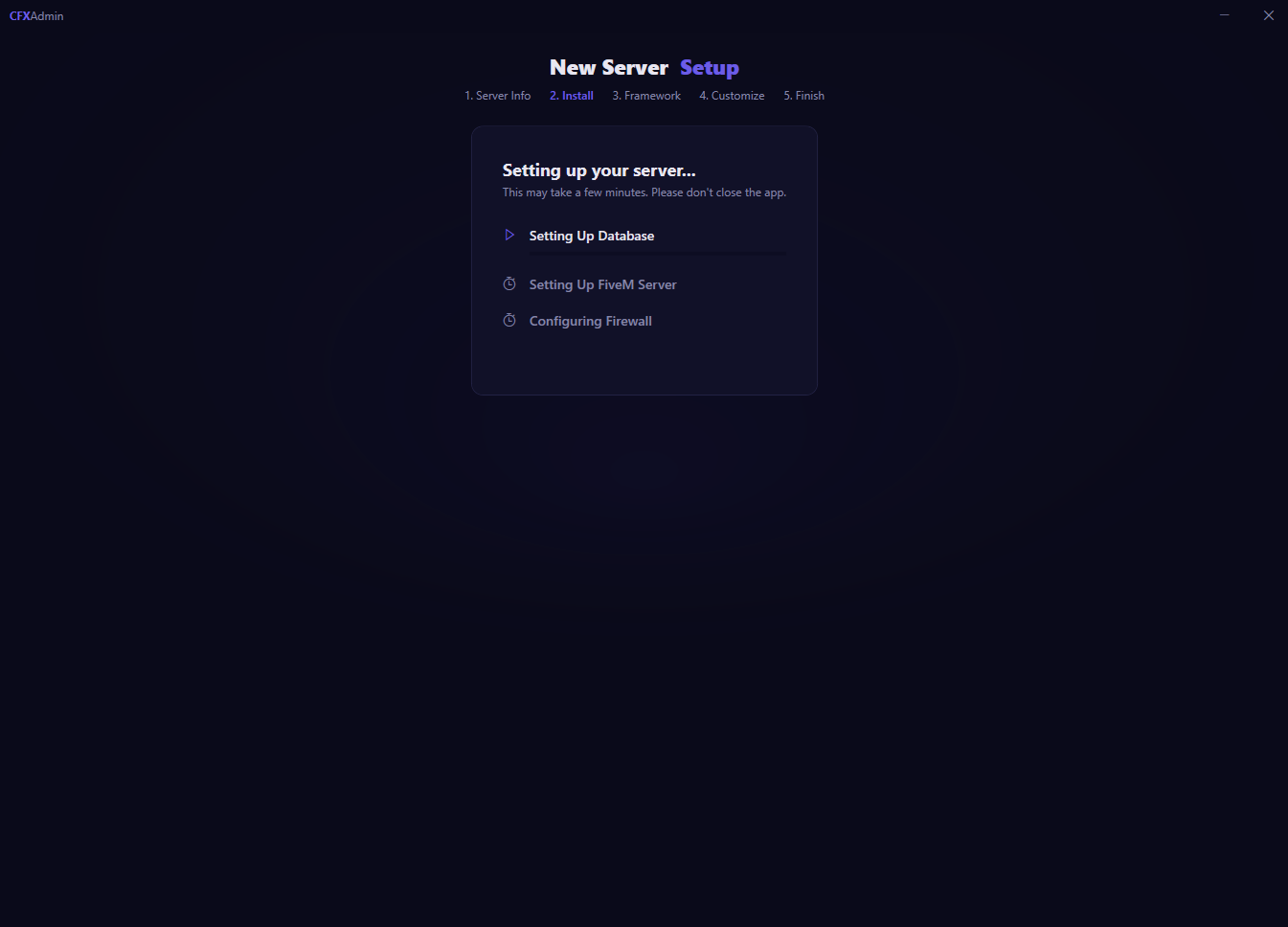
CFXAdmin is a complete FiveM server management tool. Set up your server, install frameworks, manage 143+ resources, edit configs visually, and keep your database healthy — all from one desktop app.

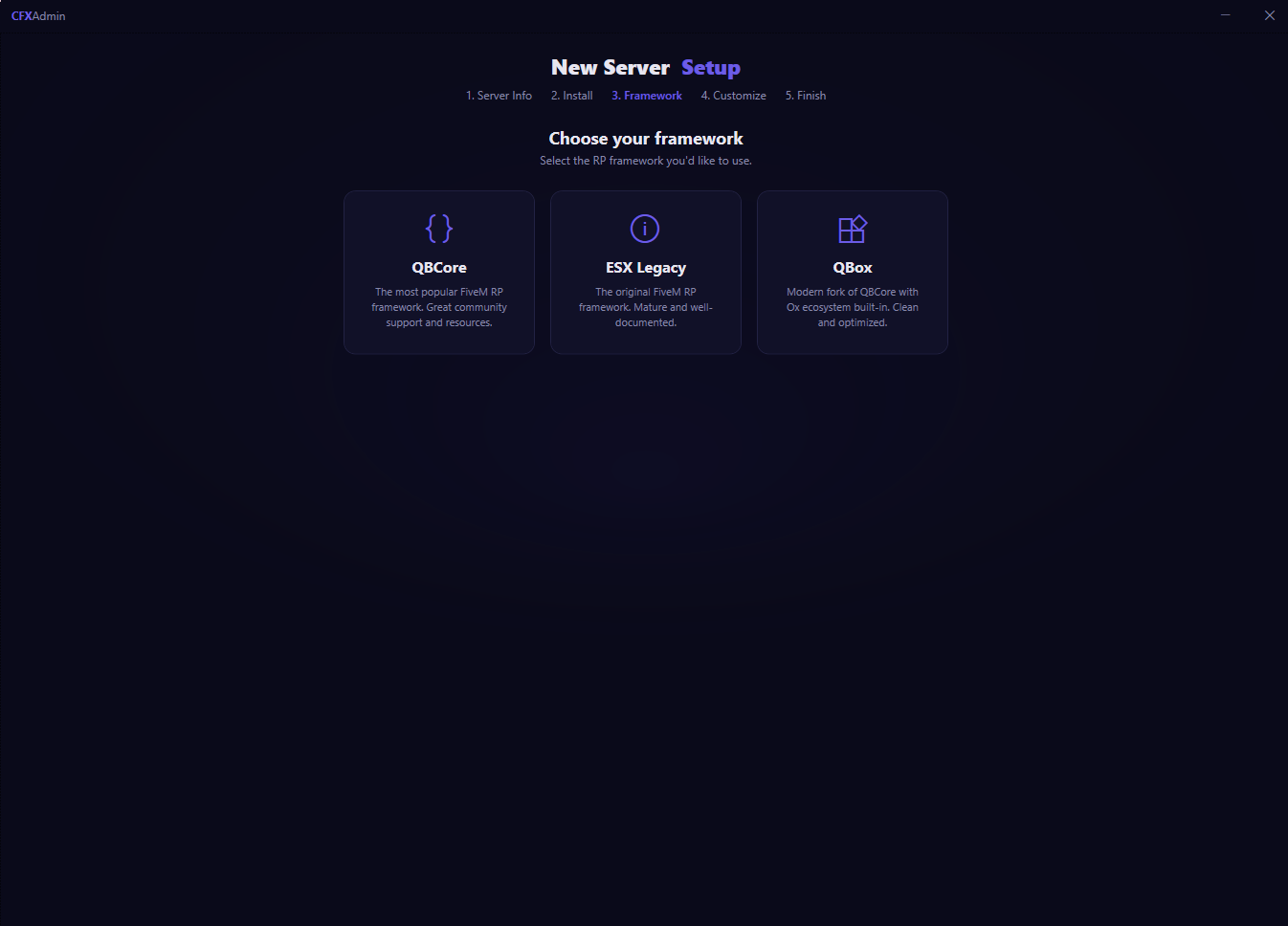
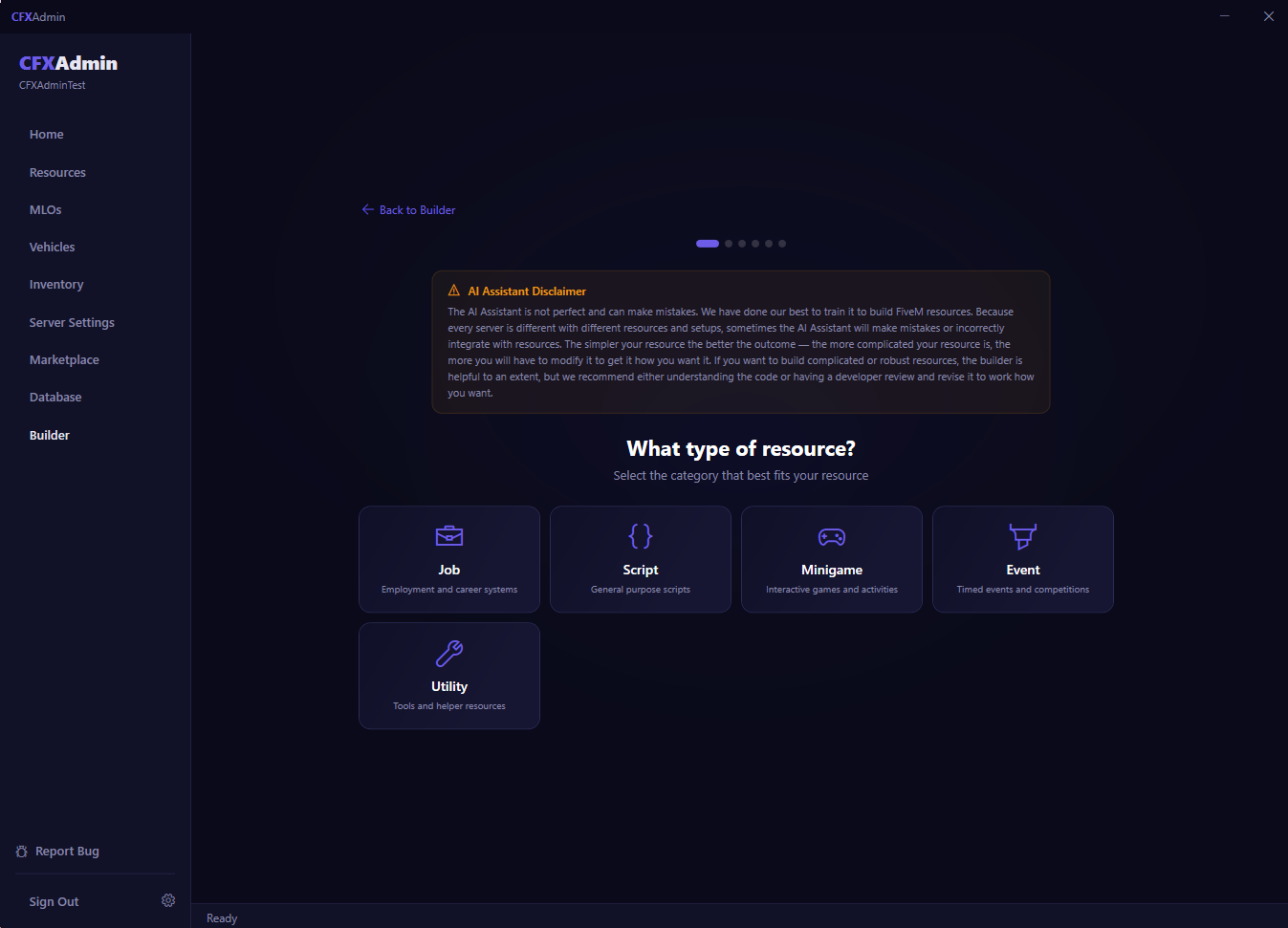
App Preview
143+
Supported Resources
3
Major Frameworks
3
Inventory Systems
0
Config Files to Edit by Hand

Everything You Need to Run a FiveM Server

🚀

Server Setup

Install FiveM server artifacts, configure your server.cfg, set player capacity, region, and get everything running in minutes — not hours.

🏗

Framework Installation

Install and fully configure ESX, QBCore, or QBox. CFXAdmin handles dependencies, database schemas, and framework-specific settings automatically.

📦

Resource Management

Add or remove any of 143+ supported resources. CFXAdmin knows each resource's folder structure, dependencies, and config options out of the box.

⚙️

Visual Config Editor

Edit resource settings through a clean UI. Change values, toggle options, and manage tables — no file editing, no Lua syntax to worry about.

🗄️

Database Management

Browse your MariaDB/MySQL database, view tables, search records, and validate schemas — all from inside the app. No external tool required.

🔄

SQL Migration Manager

Track, review, and execute pending SQL migrations for your resources. See what's been run and apply changes safely with a single click.

💾

Automatic Database Backups

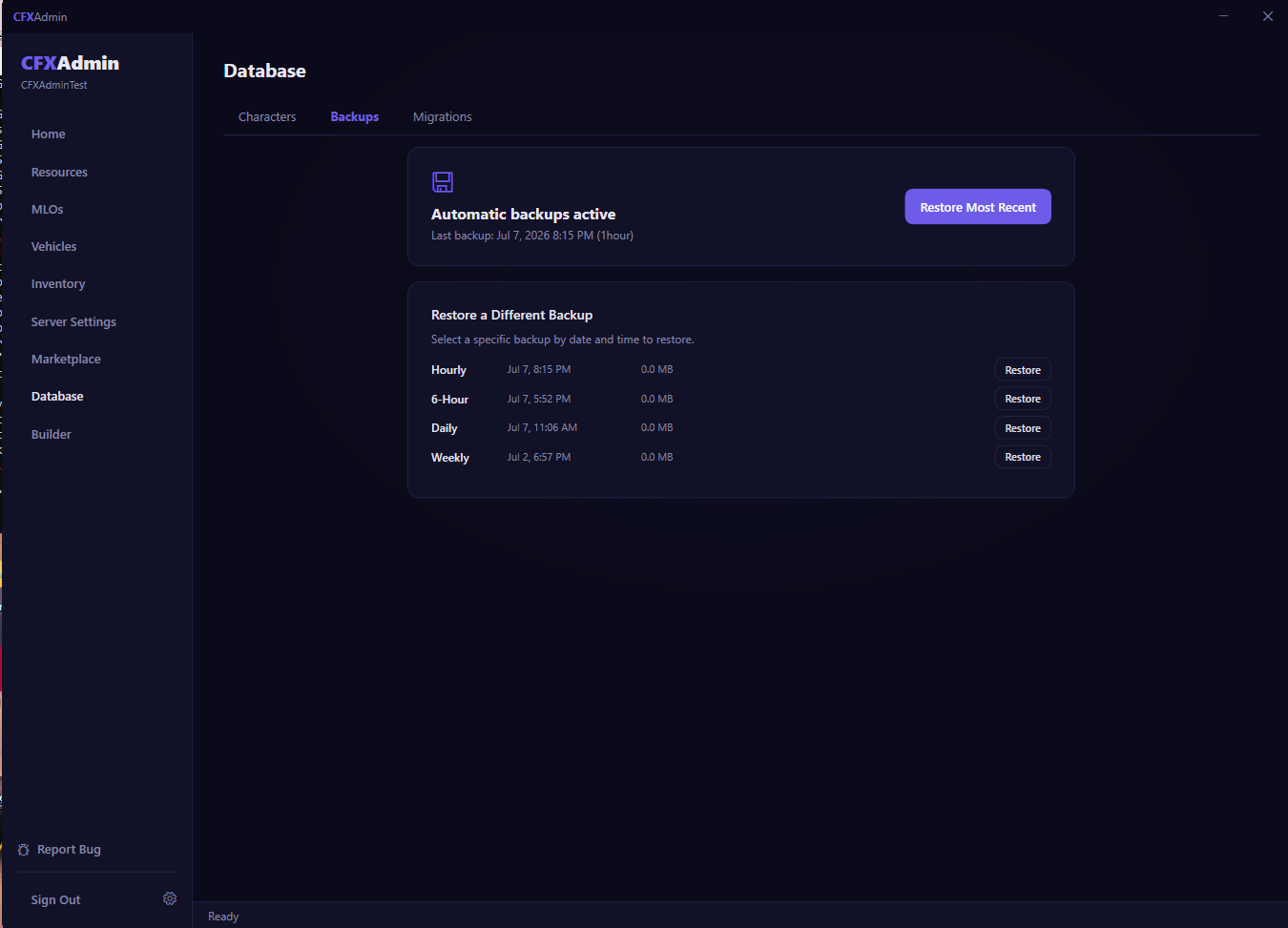
Schedule automatic database backups and configure how long to keep them. Restore from any backup directly inside the app if something goes wrong.

🏠

MLO Conflict Resolution

Scan all installed MLOs for duplicate files and conflicts. Resolve them automatically with a master merge — no manual file hunting required.

🚗

Vehicle Management

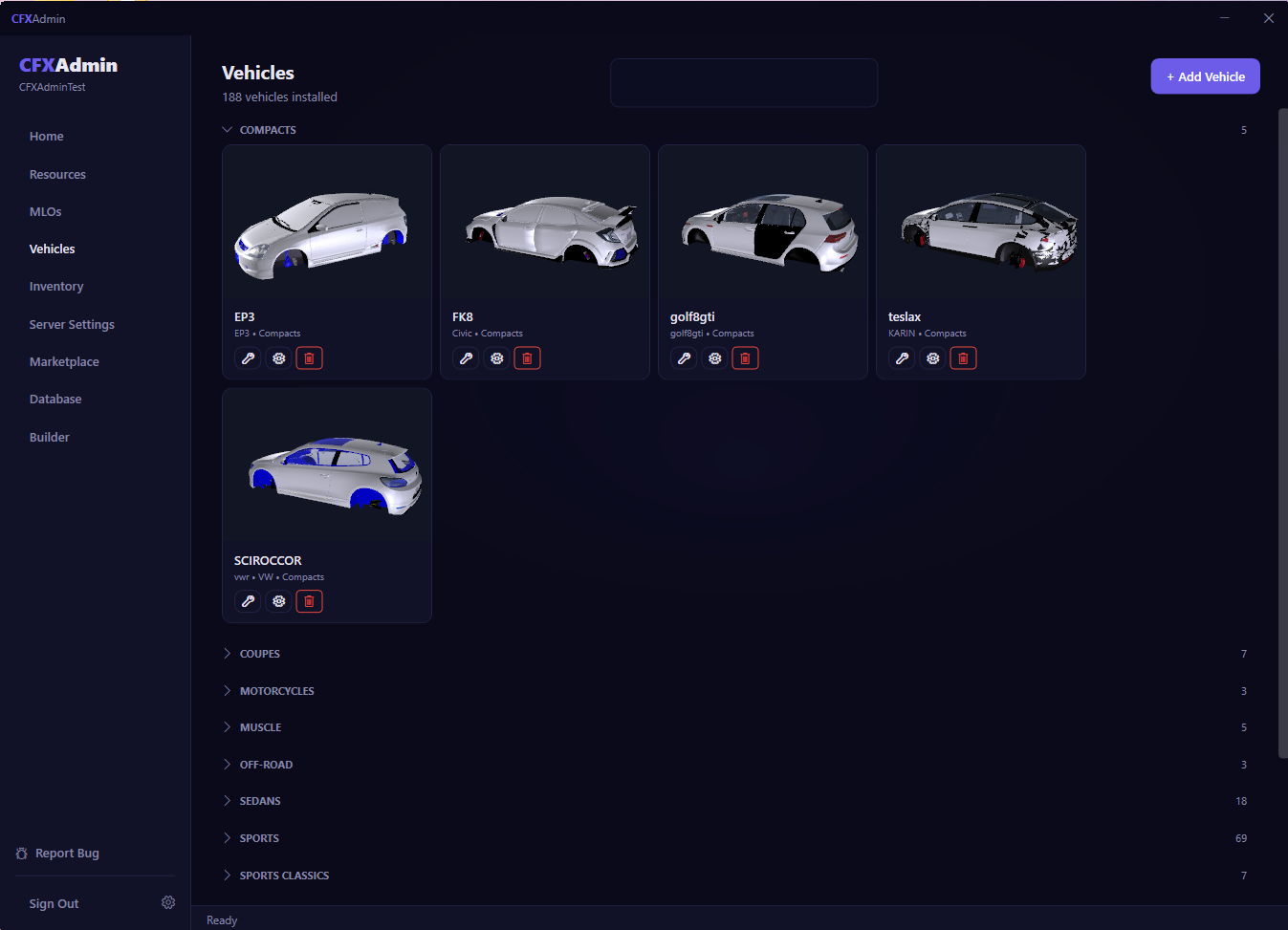
Install vehicle packs, inspect 3D models and handling data, and convert between vehicle formats automatically. Get new cars on your server fast.

🏒

Inventory System Support

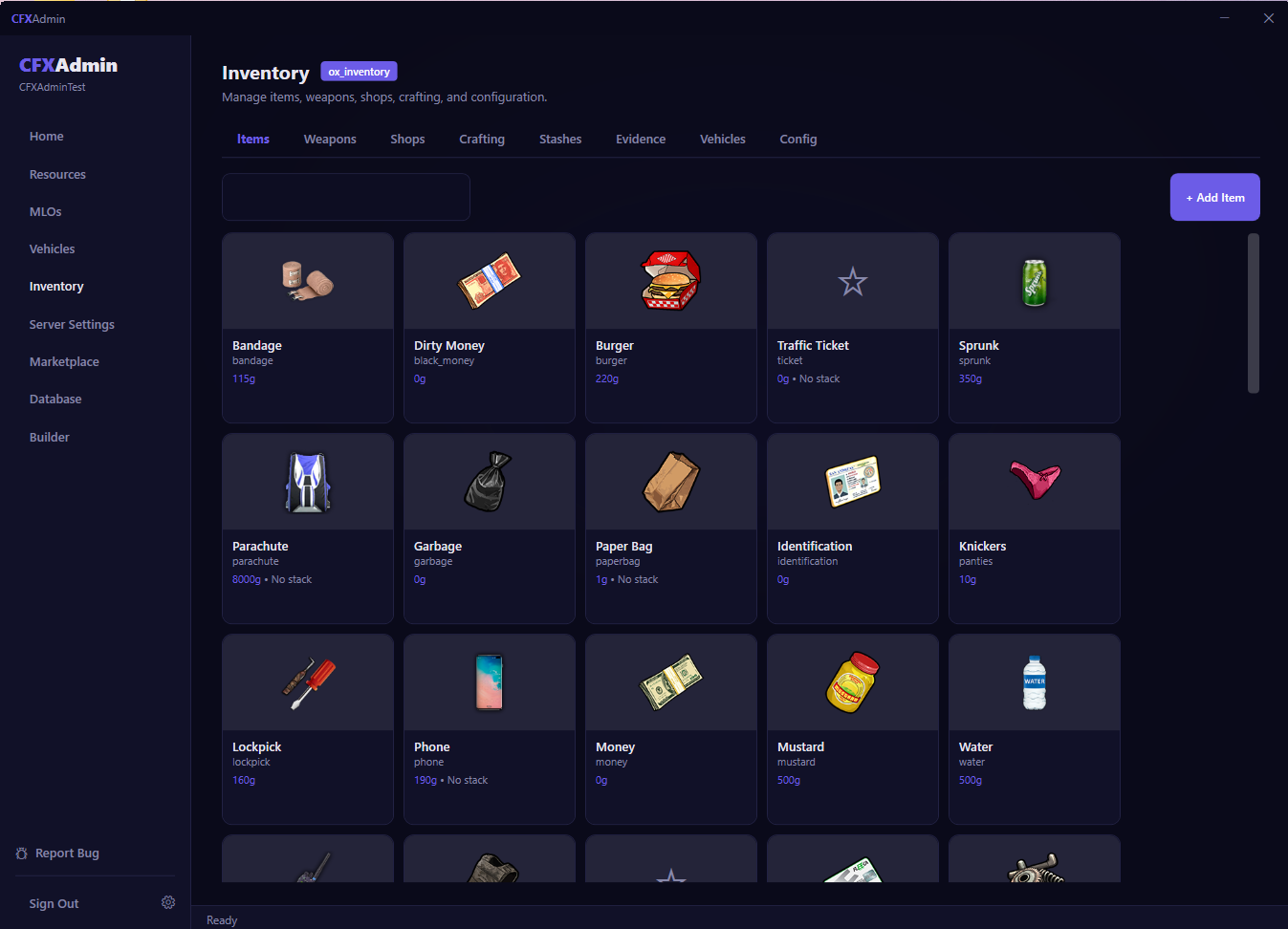
Native support for ox_inventory, QBCore Inventory, and QS Inventory — including schema detection, item management, and database integration.

🔍

Integration Conflict Detection

CFXAdmin detects incompatible combinations of resources — like conflicting doorlock or inventory systems — and flags mismatches before they cause problems.

🎛️

txAdmin Integration

Launch, stop, and monitor your server directly from CFXAdmin. Opens txAdmin in one click and keeps your server running the way you expect.

Works With the Tools You Already Use

CFXAdmin integrates with the most popular FiveM frameworks, inventory systems, and utilities.

ESX Legacy QBCore QBox txAdmin ox_lib ox_inventory QS Inventory OxMySQL pma-voice MariaDB / MySQL

Ready to launch your server?

Get CFXAdmin and have your FiveM server running in under 10 minutes — no developer, no config headaches.

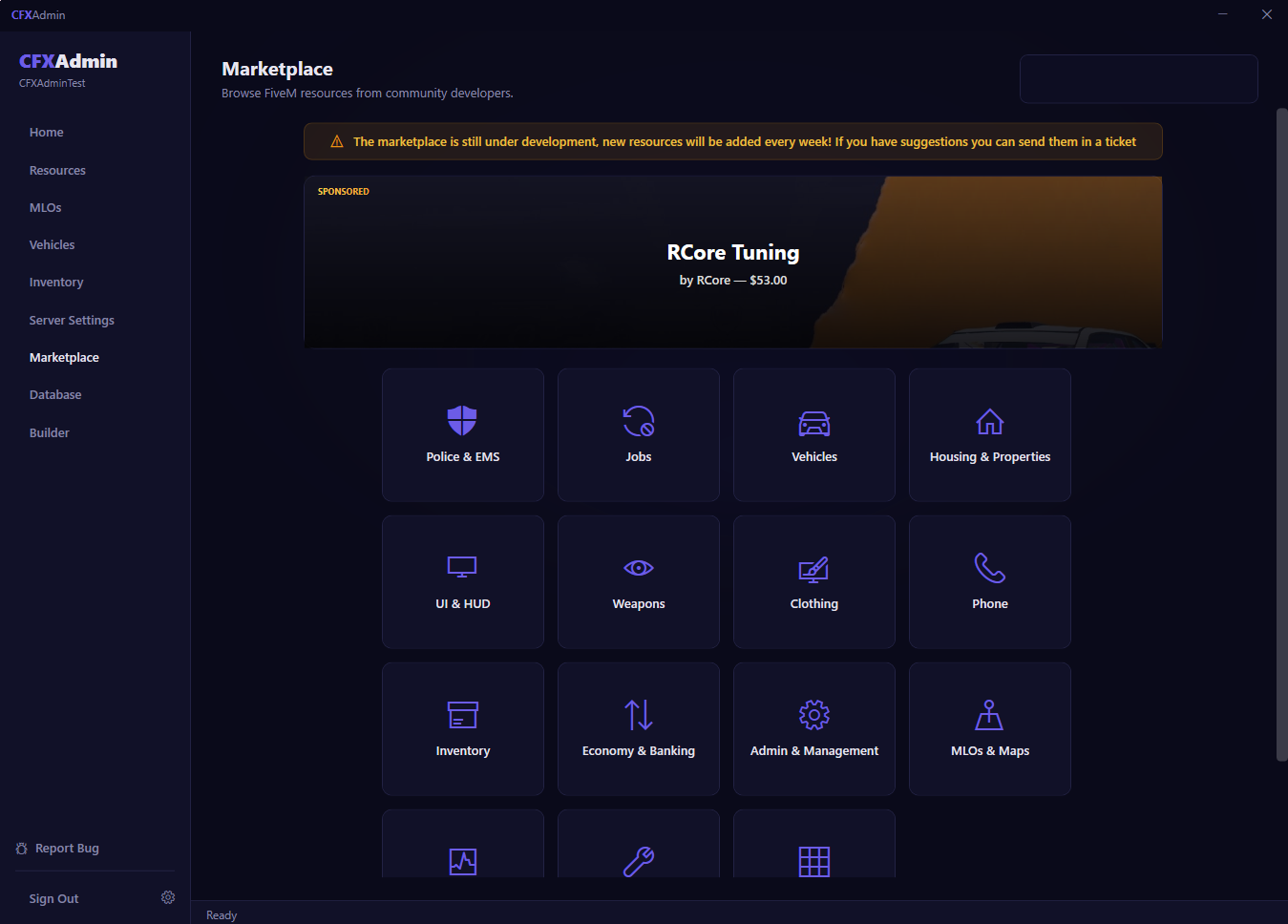
View Pricing Browse the Marketplace